
For patients
Change or cancel your booking, and see past payments
Move or cancel online without calling us, and check what you've paid.
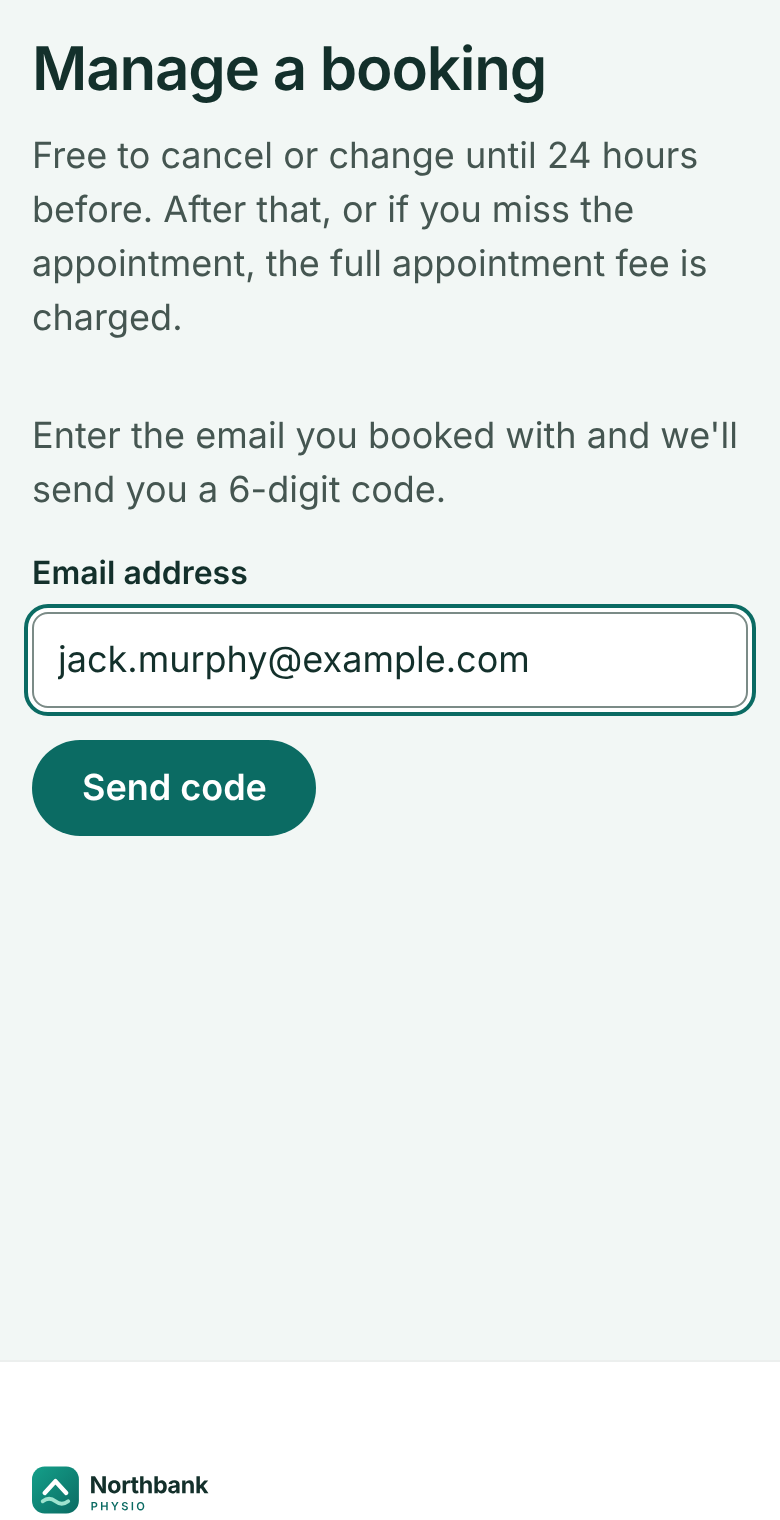
Go to Manage a booking, enter the email you booked with, and press Send code.
 (opens full size in a new tab)
- 1: The email you booked with
- 2: Send the code
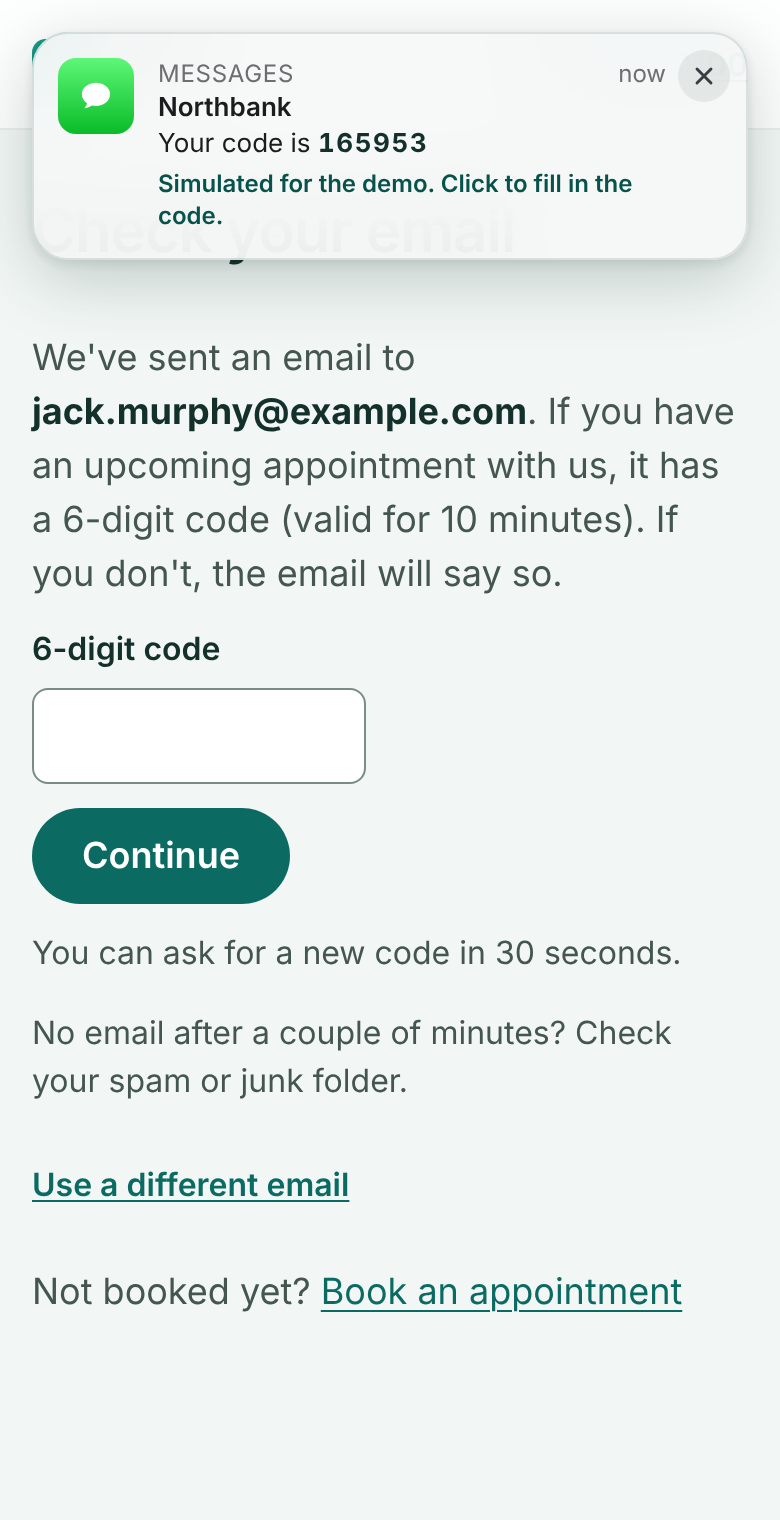
Enter the 6-digit code we send you. It lasts 10 minutes.
In this demo the code slides in as a simulated notification at the top right: click it to fill the code in.
 (opens full size in a new tab)
- 1: The 6-digit code arrives (shown as a notification in this demo)
- 2: Type it here
- 3: Continue
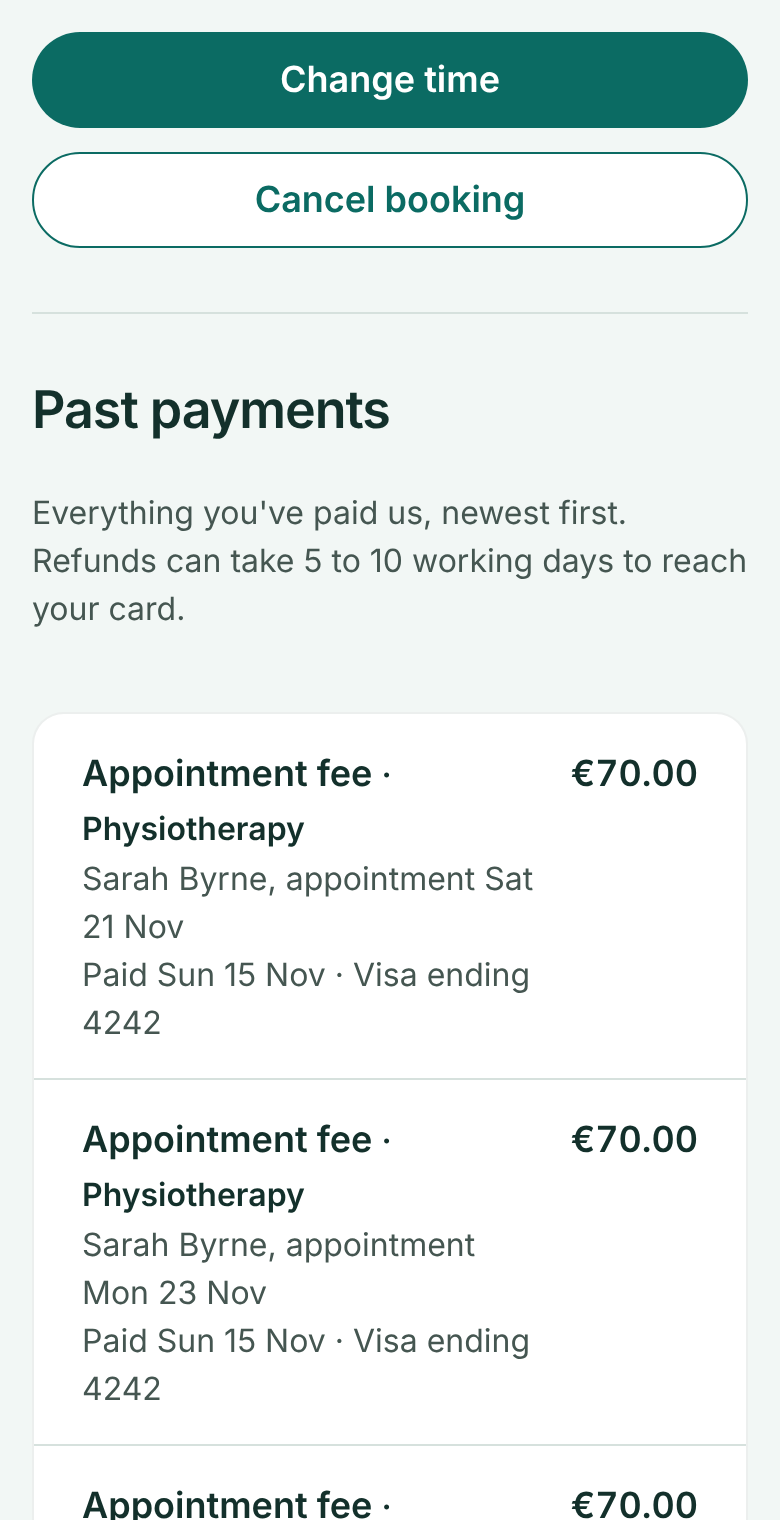
Choose Change time to pick a new time, or Cancel booking. You're told what will be refunded before you confirm.
 (opens full size in a new tab)
- 1: Move it to another time
- 2: Or cancel it
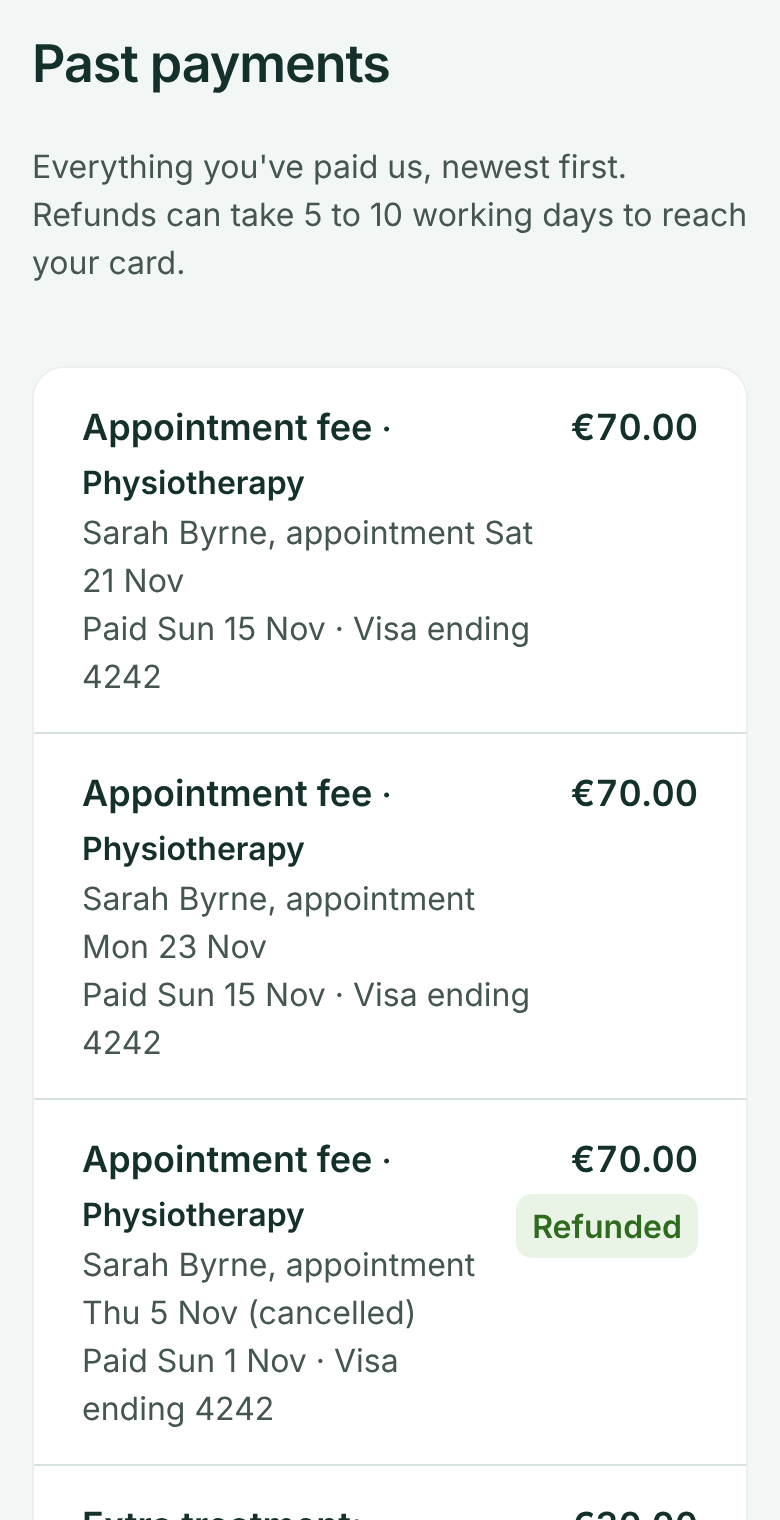
Scroll down to Past payments to see everything you've paid, on which card, and anything refunded.
 (opens full size in a new tab)
- 1: Each payment: what, when and which card
- 2: Refunds are marked
The 24-hour rule
Free to cancel or change until 24 hours before. After that, or if you miss the appointment, the full appointment fee is charged.